
PC TROUBLESHOOTING GUIDE
How to Fix Common Roblox Error Codes on PC (2026): Error 277, 268, 524 & Byfron Fixes
Step-by-step diagnostic guide to fixing the most common Roblox PC error codes in 2026. Actionable solutions for Error 277, 268, 524, and unexpected Byfron client crashes.
Fast Fix Checklist (BLUF): If Roblox disconnects with an error code on PC, identify the 3-digit number: Error 277 is fixed by running ipconfig /flushdns and clearing local app cache; Error 268 is resolved by closing unverified background injectors and resetting client files; and Error 524 requires updating your account privacy permissions to allow VIP server joins.
Common Roblox Error Codes & Immediate Fixes
Reference the diagnostic matrix below to quickly identify the root cause and recommended resolution.
| Error Code | Displayed Message | Root Cause | Immediate Fix |
|---|---|---|---|
| Error 277 | "Please check your internet connection and try again." | Network timeout / corrupted temp cache | Flush Windows DNS & delete %localappdata%\Roblox cache |
| Error 268 | "You have been kicked by the server." | Byfron client integrity failure / injector conflict | Disable third-party hooks & restart PC cleanly |
| Error 524 | "You are not authorized to join this game." | VIP server privacy restrictions | Set "Who can join me" to "Everyone" in Settings |
| Error 267 | "You were kicked from this experience." | Developer-scripted ban / account age restriction | Check game rules; verify account age meets threshold |
| Error 403 | "Authentication Error: An unexpected error occurred." | Stale browser cookies / VPN IP conflict | Disconnect VPN & re-authenticate directly |
NETWORK TIMEOUT
Resolving Error Code 277 (Lost Connection)
Error 277 is the most pervasive issue faced by PC players. Even when your household internet seems fine, packet drops between your internet service provider and Roblox’s Amazon AWS or dedicated servers cause the client to terminate the session.
- Flush Windows DNS Cache: Press
Win + R, typecmd, and press Enter. Run the commandipconfig /flushdnsto clear outdated routing tables. - Clear Corrupted Cache Files: Open File Explorer, navigate to
%localappdata%\Roblox, and delete theDownloadsandClientSettingsfolders. Roblox will rebuild these cleanly on your next launch. - Switch to an Ethernet Cable: High-bandwidth 2.4GHz Wi-Fi frequently drops packets during dense physics updates (such as sea raids in Blox Fruits). A wired connection prevents micro-drops.
ANTI-TAMPER INTEGRITY
Resolving Error Code 268 (Kicked by Server)
Error 268 occurs when the game client fails to return a valid security heartbeat to the Roblox server. This is frequently triggered after Roblox pushes an official client update while your computer still has legacy modifications running.
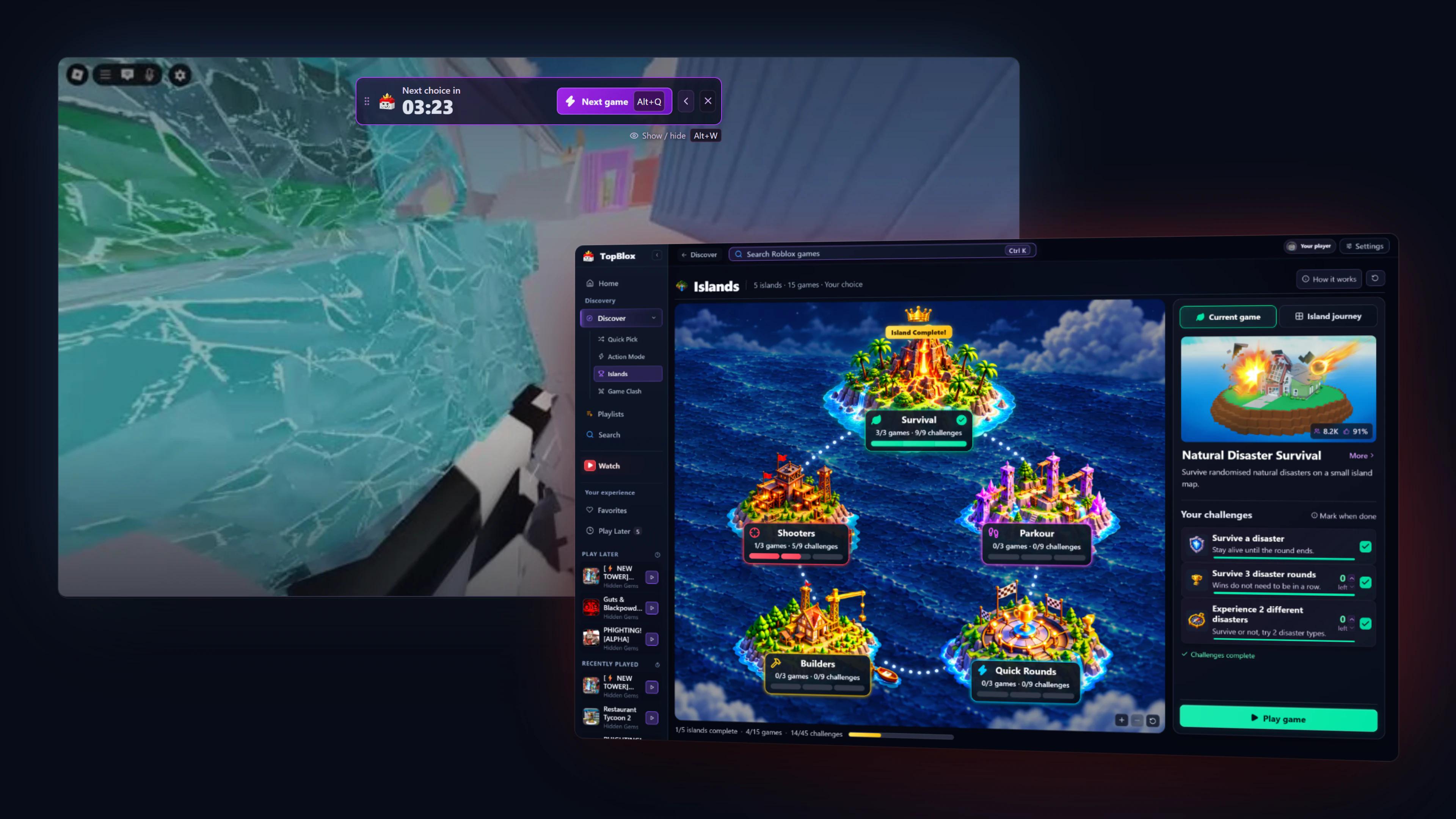
To fix Error 268: Close all background processes via Task Manager. If you have custom shaders or unverified FPS unlockers, delete them completely. Launching through a verified desktop launcher like TopBlox ensures your client launches with 100% clean security integrity.
Frequently Asked Questions
Useful answers