
Roblox playtime guide
How to Check Time Played on Roblox (2026): Exact Hours & Tracker
Learn how to check your time played on Roblox in 2026. Fast guide on 7-day Screen Time, why Roblox hides lifetime hours, and how to track exact hours on PC.
Quick Answer (BLUF): Roblox does not show cumulative lifetime hours on game cards. To see your playtime, check your rolling 7-day Screen Time summary in account settings, review recent titles in the Continue Playing carousel, or use an automated Windows companion like TopBlox on PC to automatically log exact session hours and lifetime stats. Compare all three playtime tracking options.
Method 1: Check Roblox Screen Time and weekly activity
Roblox provides an official built-in activity dashboard designed for account awareness and screen time oversight. While not branded as an esports stat tracker, it records which experiences you spend the most time in over a rolling 7-day window.
How to find your weekly activity in Roblox:
- Open the Roblox app or navigate to roblox.com in your browser and log into your account.
- Click or tap the Gear icon (Settings) in the top-right corner.
- Select Parental Controls or Screen Time / Activity from the left-hand menu.
- Review the Weekly Activity Breakdown to see the total hours logged across your top played experiences.
Data window limitation: Roblox Screen Time resets on a weekly cadence and does not maintain a lifetime cumulative hour log across months or years. If you want permanent session trends, you will need a persistent desktop logger.
Method 2: Use Continue Playing and badges for recent game history
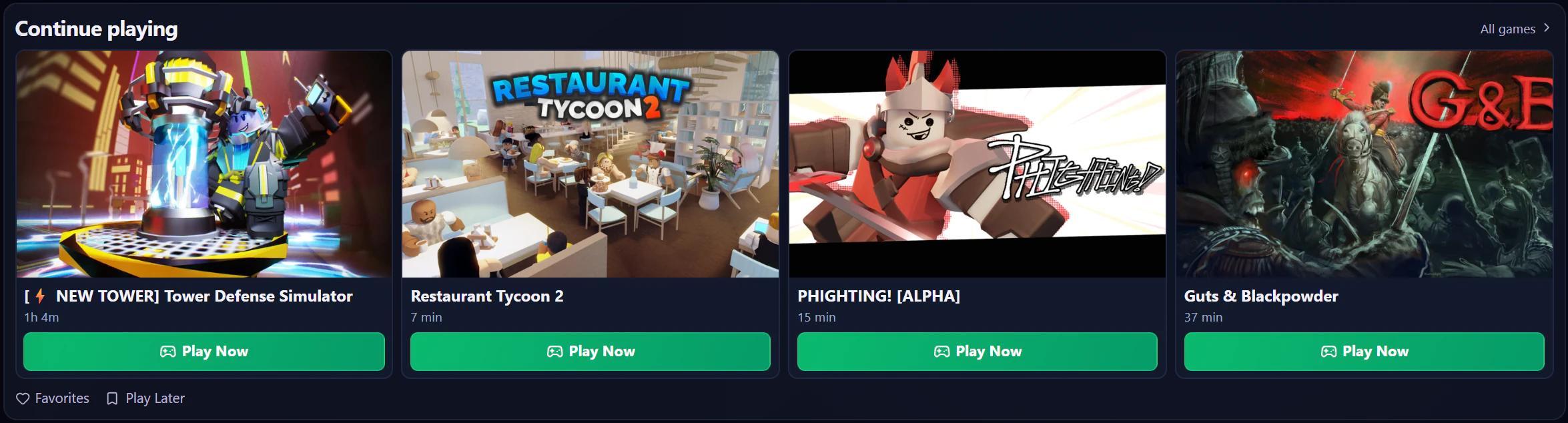
If you simply want to see which games you recently visited without checking settings, your Roblox home dashboard features a built-in Continue Playing row.
This carousel sorts experiences chronologically by your last launch timestamp. While convenient for rejoining friends or jumping back into an ongoing session, it does not distinguish between a 5-minute visit and a 10-hour weekend marathon.
For milestone tracking, you can also inspect your Roblox profile inventory under Badges. High-tier progression badges (such as reaching Level 100 in Blox Fruits or escaping 100 doors in DOORS) serve as verifiable evidence of extensive playtime.
Recommended PC method
Method 3: Automated desktop playtime tracking with TopBlox on PC
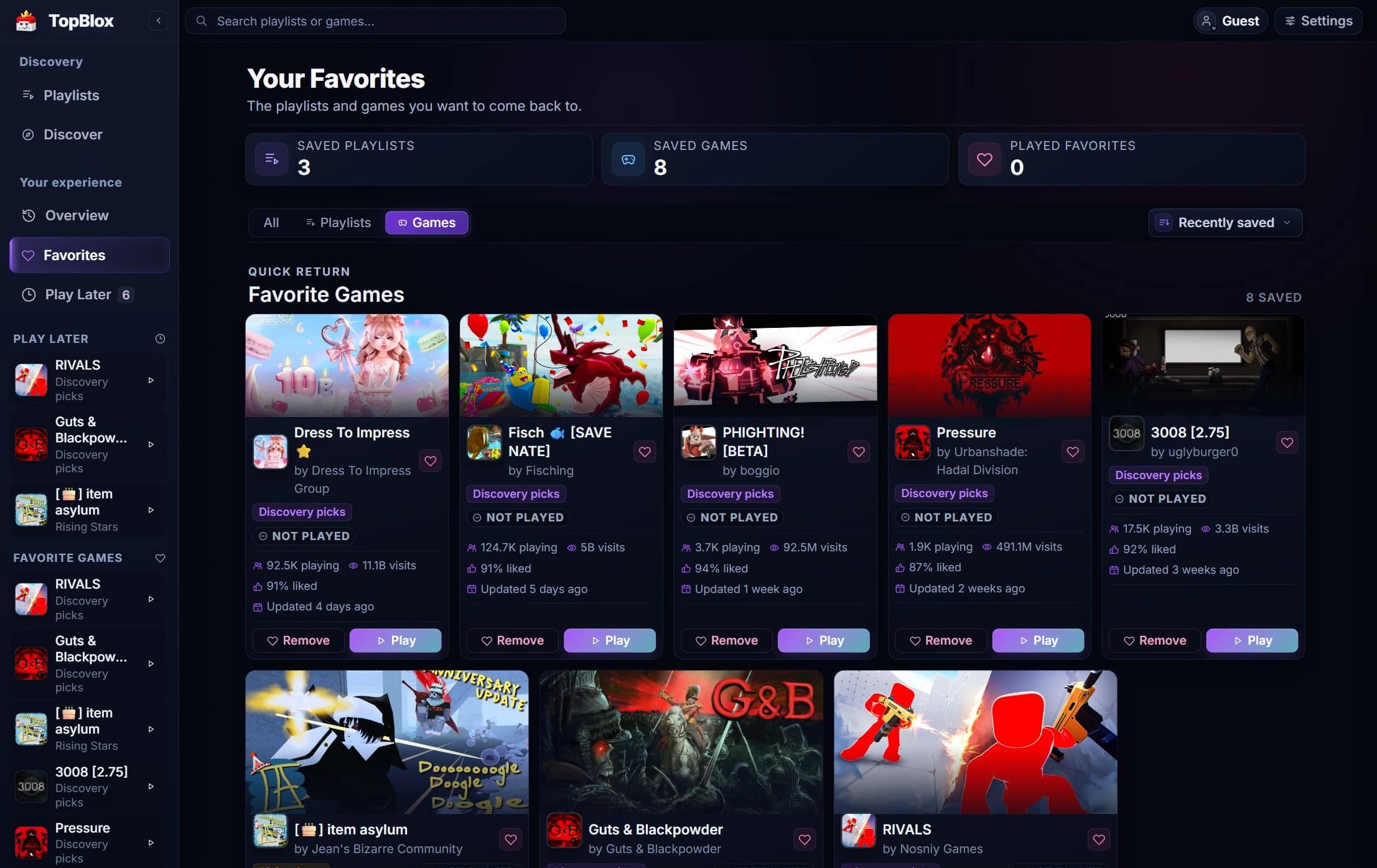
PC players looking for the seamless experience of a Steam-like library can run TopBlox alongside Roblox. Built on the verified Overwolf gaming platform, TopBlox acts as a lightweight Windows desktop companion that enhances your gaming habits without touching game files. The Roblox playtime tracker page shows what it records and where it works.
Why track your Roblox playtime with TopBlox:
- Automatic Session Logging: TopBlox detects when you launch a game via Play Now or the official Roblox client and logs session duration automatically in the background.
- Organized Library Management: Save experiences into customized Favorites and Play Later collections, keeping your preferred games ready between gaming sessions.
- Safe & TOS-Compliant: TopBlox does not inject code into the Roblox client, modify memory, or alter FastFlags, guaranteeing full account security and zero risk of bans.
- Integrated Live Statistics: Check live concurrent player counts (CCU) and approval ratings across curated experiences before jumping in.

Comparing Roblox playtime tracking options
Select the tracking method that best matches your operating system and data needs:
| Tracking method | Platforms | Time tracking window | Hours precision | Library & favorites |
|---|---|---|---|---|
| Roblox Screen Time | Mobile, PC, Web, Console | Past 7 rolling days only | Rounded weekly total | None (account settings only) |
| Continue Playing row | All supported devices | Chronological last-opened order | No duration displayed | Default recent history |
| TopBlox Windows App | Windows 10 & Windows 11 | Permanent lifetime session log | Precise minutes & hours | Full Favorites & Play Later lists |
Looking for the most popular games on Roblox instead?
Your most played games are personal. The most popular games are the ones with the most players right now: at our November 13, 2026 check, Steal An Egg led with 707.9K players. See the top 10 most popular Roblox games right now, or the underrated games most players have not found.
Useful answers
Frequently asked questions about Roblox playtime tracking
Is my most played game the same as the most popular game on Roblox?
Does Roblox show your total lifetime hours played for every game?
Can friends or other players see which Roblox games I play most?
Is using a playtime tracker safe and permitted by Roblox?
Does TopBlox track playtime on mobile devices or consoles?
Why doesn't the Continue Playing row show exact hours?
How do I reset or hide my Roblox game activity?
Related guides and companion tools
Want to learn more about how TopBlox works? Read the Windows setup guide or review our safety and privacy commitments.