
Best With Friends
Start with the kind of night your group wants: shared objectives, party chaos, friendly competition or a slower hangout.
CHOOSE THE SESSION, THEN THE GAME
Find a collection that fits your mood, your friends and the way you want to play. Browse actual games here, or bring themed discovery to your Windows desktop.
Roblox game playlists group experiences by the kind of session you want. Pick a co-op night or a less familiar discovery below, compare the game notes and dated Roblox statistics, then open your choice on Roblox.
BROWSE THE WEBSITE COLLECTIONS
Choose your direction first. Each collection includes real game information, a reason to try each pick and something to check before playing.
Start with the kind of night your group wants: shared objectives, party chaos, friendly competition or a slower hangout.
Look beyond your usual rotation with distinctive mechanics, smaller discoveries and familiar names you may have missed.
A QUICK TASTE OF THE CATALOG
Try a different session style with each pick. Read each game's fit notes and current Roblox page before deciding.
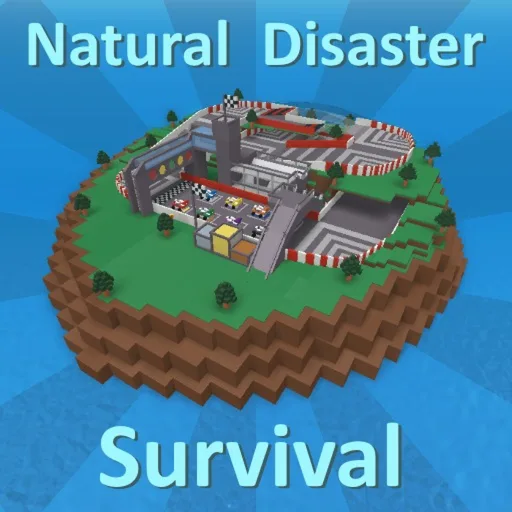
Stickmasterluke
A survival experience by Stickmasterluke centered on staying alive when disaster strikes.
Try it for: Curator pick: an accessible premise for a group that wants to start playing with little planning.
Before you play: Survival hazards and failed attempts are part of the premise; this is not a safety or age rating.
Roblox data checked . Counts can change; votes are not a safety rating.
Open on Roblox
superrun100
Combine characters and time-control powers to fight enemy waves in a single-player hack-and-slash with roguelite elements.
Try it for: Curator pick: a solo discovery when experimenting with combat combinations is the appeal.
Before you play: Single-player only. The creator says a run resets when you die and advertises a premium gamepass.
Roblox data checked . Counts can change; votes are not a safety rating.
Open on Roblox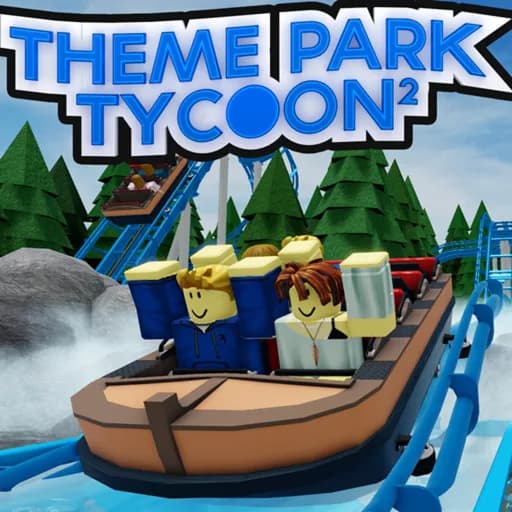
Den_S
Build a theme park on your own plot, design roller coasters and decorate it with scenery.
Try it for: Curator pick: a building project for a solo session or friends who want to compare and develop park ideas.
Before you play: This is an open-ended building and management choice. Finishing a detailed park can take sustained effort.
Roblox data checked . Counts can change; votes are not a safety rating.
Open on RobloxINSIDE THE WINDOWS APP
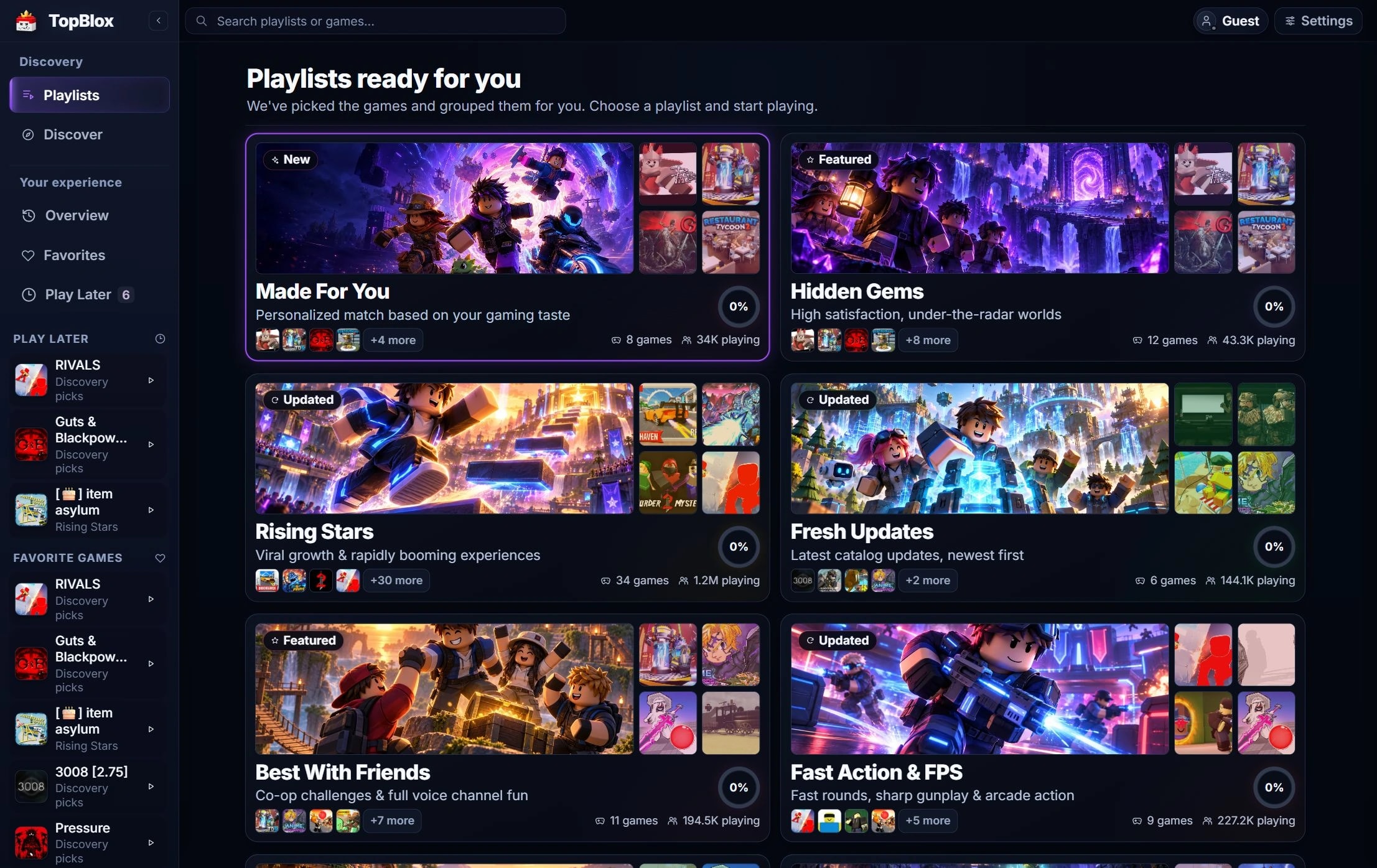
The TopBlox desktop library brings these themes together. Collection names describe discovery ideas; they are not promises about a game's popularity, price, purchases or approval score.
Distinctive experiences to look at beyond your usual rotation.
A discovery theme for experiences attracting attention.
A place to look for games with recent changes and new content.
Co-op, team play and party ideas for your next group session.
Shooters and action games when you want a faster pace.
Building, management and quieter spaces to explore.
Another route into less familiar games and niche styles.
The app's theme for ambitious visuals, sound and deeper mechanics.
A competitive-play theme; check each game's current purchases and rules.
Stories, chapters, mysteries and journeys with a direction.
Retro style, blocky characters and classic Roblox inspiration.
FROM BROWSING TO YOUR NEXT PICK
Decide whether you want action, tension, chaos, exploration or a quieter session. Bring the group into that choice if you are playing together.
Read the mechanics, group-fit notes and heads-up on each card. Use the printed data timestamp when comparing players and positive votes.
Open its official Roblox page. In the desktop app, you can also save it to Play Later, favorite a game or playlist, and return to your progress.
Useful answers
A game playlist is a themed collection of Roblox experiences. It helps you choose by the session you want, such as playing with friends, exploring a story or trying a calmer game. Each experience still belongs to its creator and opens on Roblox.
Start with Best With Friends. Choose between cooperation, party rounds, competition and social play before picking a game. A multiplayer server does not automatically mean every activity supports your entire group, so check the current experience description too.
The website combines TopBlox editorial selection with public Roblox game information. Mood and group-fit notes explain our recommendations. Player counts and positive votes add context, but they do not prove that a game suits everyone or certify its safety.
The cards show a dated Roblox data snapshot, with the check time printed on each card. Counts and votes can change after that check. In the Windows app, public Roblox statistics can be refreshed when the provider is available.
The TopBlox Windows app includes Favorites, Play Later and local Played progress. It can mark an identified catalog game Played after your selected tracked-time threshold. Browsing this website does not add games to that desktop library or start playtime tracking.
No. Use Open on Roblox to visit an experience's official page and continue through Roblox. The TopBlox desktop app is optional for website browsing; it adds saved collections, discovery tools and its Play Now workflow on Windows.