
01
Find your kind of fun
Explore themed playlists by genre, mood, and play style. Try the discovery quiz when you want a little direction.

YOUR ROBLOX DESKTOP COMPANION
Skip the endless scroll. Discover Roblox games that fit your mood, save the ones you love, and jump into your next adventure with TopBlox.
Made for Windows PC · Powered by Overwolf
WHAT ARE YOU IN THE MOOD FOR?
Some days call for an adventure. Others, a cozy escape. Find a starting point with themed playlists inside TopBlox.
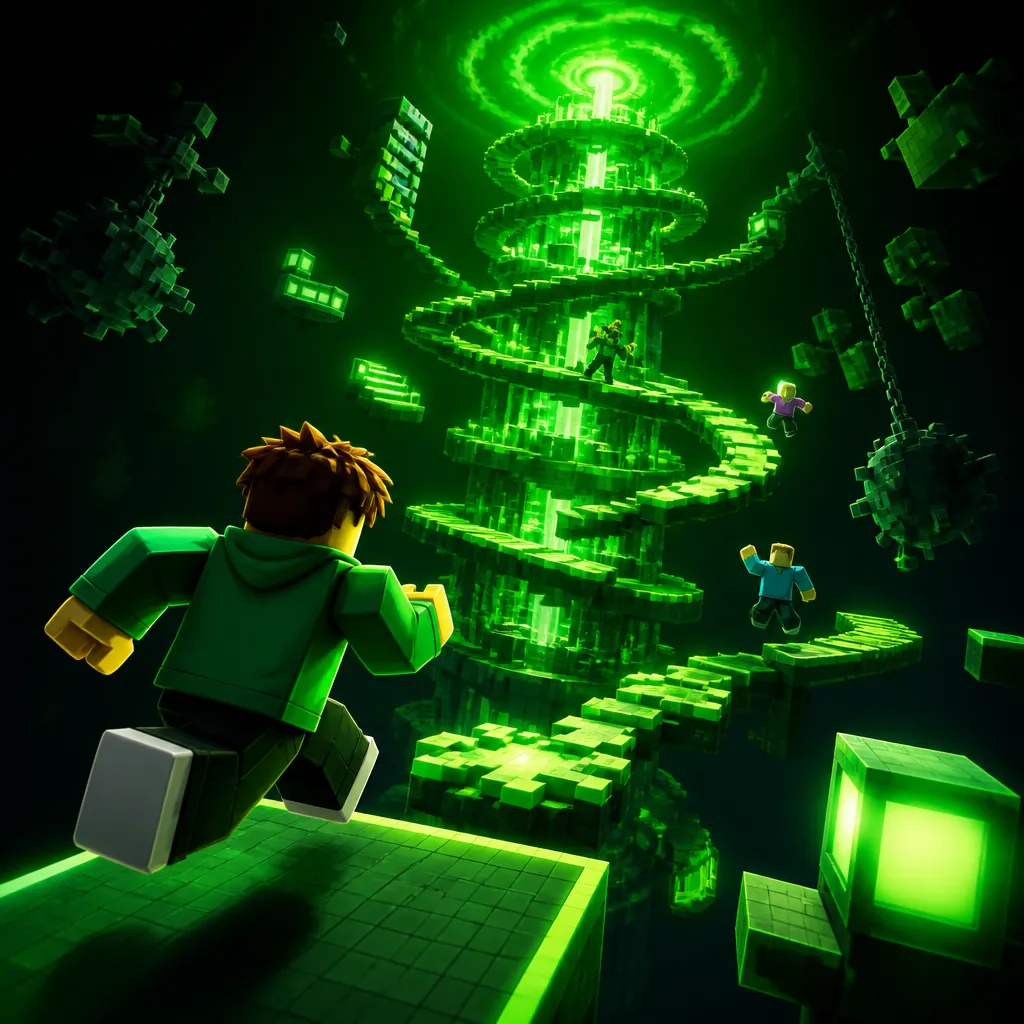
New worlds. New stories.
Explore in TopBlox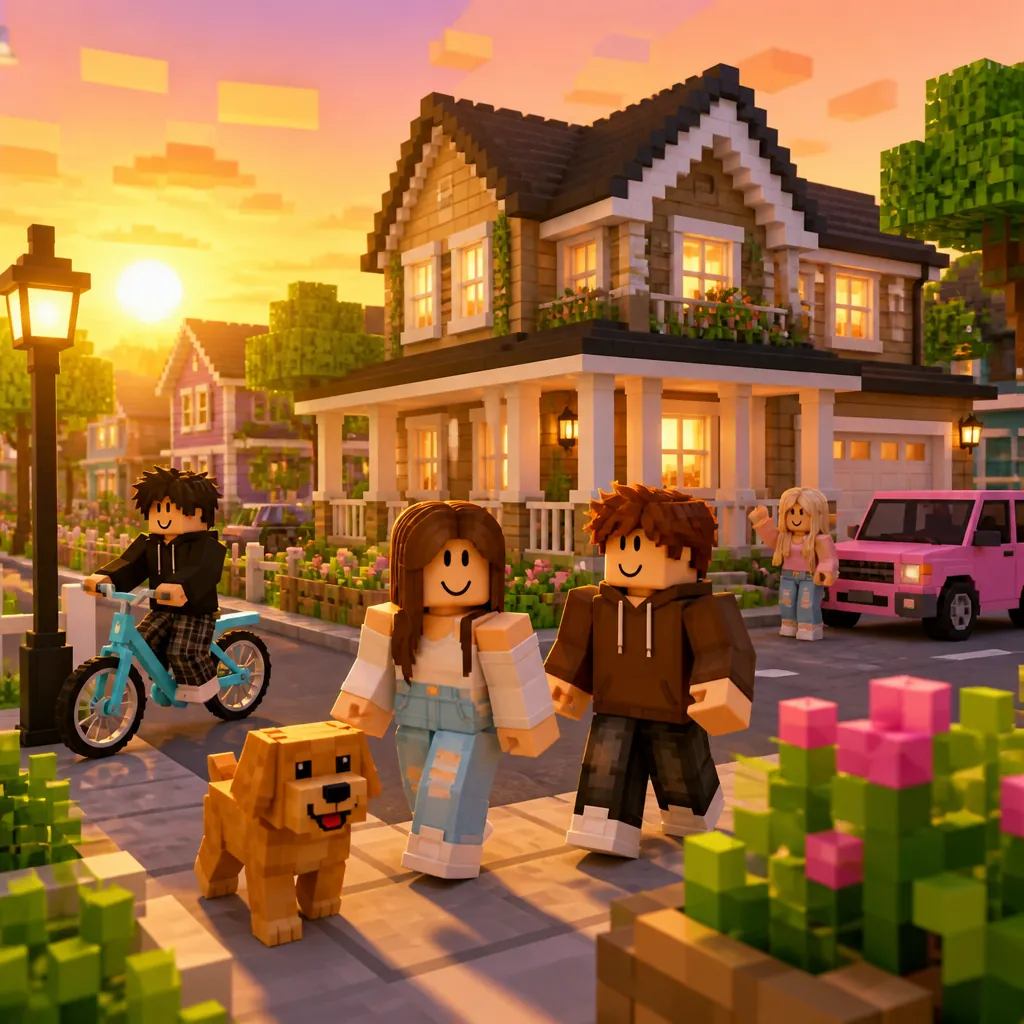
Better when you play together.
Explore in TopBlox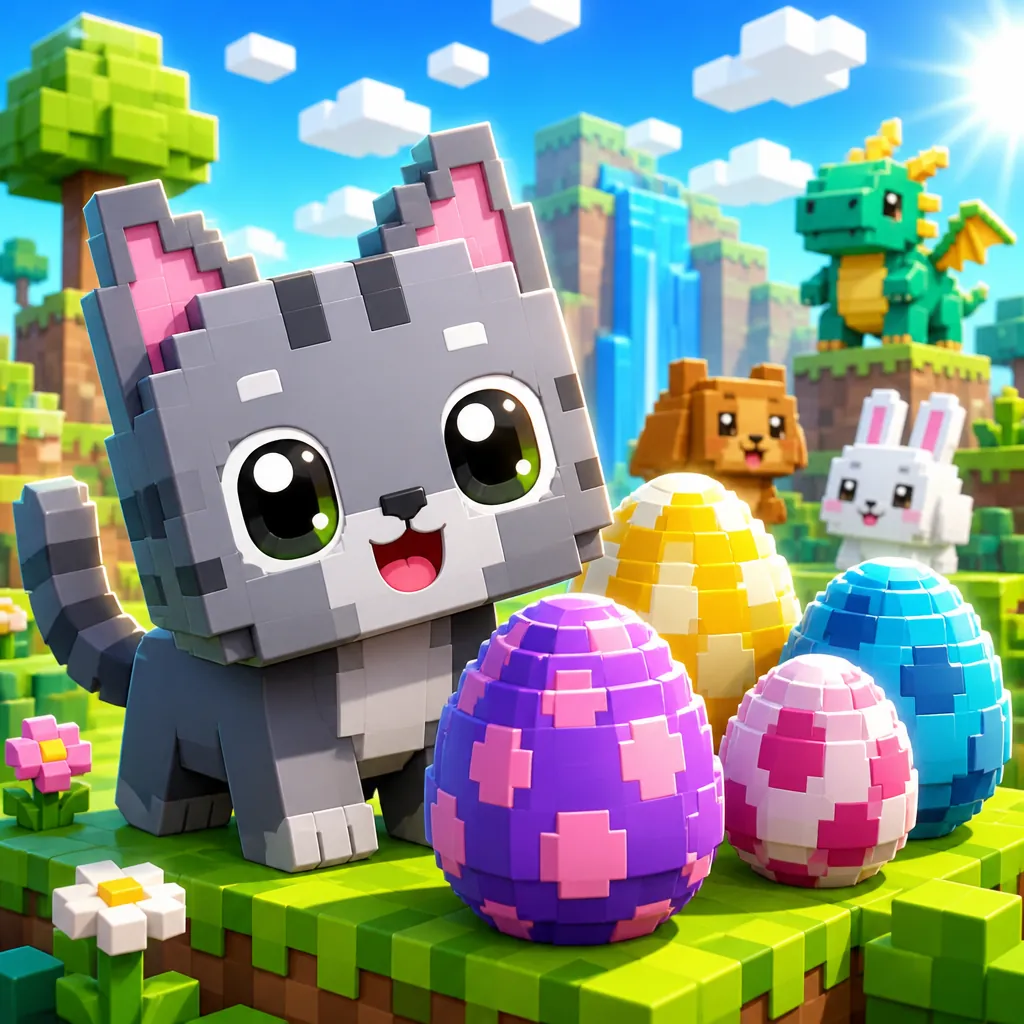
Settle in and take your time.
Explore in TopBlox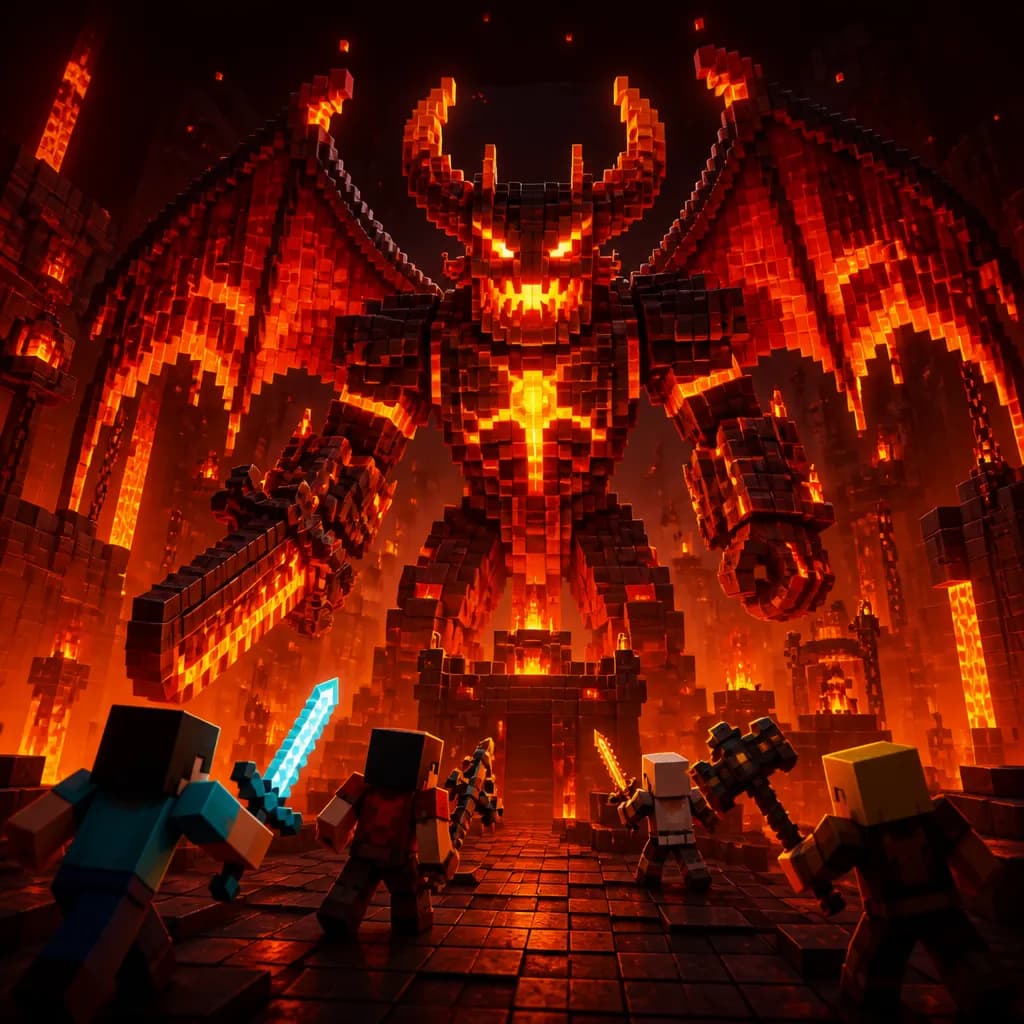
Try. Fall. Go again.
Explore in TopBloxA taste of the possibilities. Artwork is illustrative; explore available games in the app.
MEET YOUR NEW PLAYER TWO
Discover a playlist, find something worth saving, and pick up where curiosity takes you.
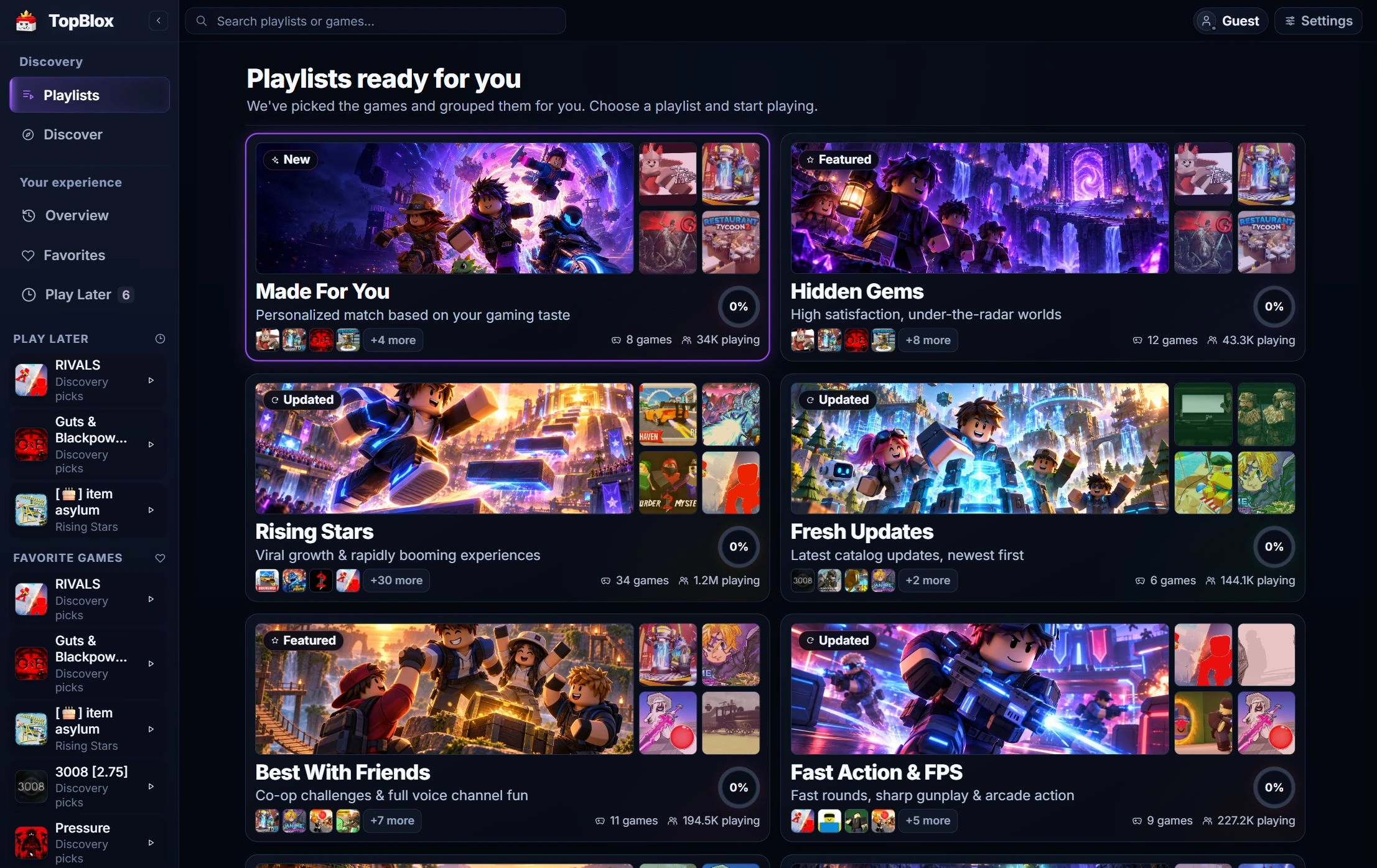
Browse themed collections, from hidden gems to games to play with friends. Open a playlist and find your next session.
Actual TopBlox interface · example dataA COMPANION FOR THE WAY YOU PLAY
Explore themed playlists by genre, mood, and play style. Try the discovery quiz when you want a little direction.
Save something for Play Later, keep your favorites together, and come back when your next session starts.
Launch a game in the Roblox desktop client, or choose to open its Roblox page. Your next world is within reach.

FOLLOW YOUR CURIOSITY
From familiar favorites to a world you haven’t tried yet. Make room for a little discovery.
Find your next with TopBloxStart from the store on your Windows PC and follow the installation steps.
Browse a playlist, explore Quick Pick, or let the discovery quiz point the way.
Launch Roblox, save a favorite, and keep something good for your next session.
GOOD TO KNOW
Getting to know your new companion.
TopBlox is a Roblox desktop companion built on Overwolf. It brings themed game playlists, personalized discovery, favorites, Play Later, and game launching into one place on your Windows PC.
You need a Windows PC, Overwolf, and the Roblox desktop client to play. Start from the TopBlox listing on Overwolf and check its current compatibility requirements before installing.
The TopBlox app is built for Windows through Overwolf. You can read this website on any device, but the desktop companion needs a supported Windows PC.
Automatic playtime tracking works for identified games in the TopBlox catalog while Roblox is running through Overwolf. Reliably detected games launched elsewhere can also appear in local history; that does not mean every experience supports time tracking.
Favorites, Play Later, quiz preferences, and progress are stored locally on your device. Settings includes controls to reset tracked time and Played progress, clear cached catalog content, and choose whether to enable anonymous usage analytics.