Open the Roblox desktop client
Use Play Now to launch the selected experience through Roblox on your PC. TopBlox includes a browser fallback if a direct launch is unavailable.
THE TOPBLOX DESKTOP COMPANION
TopBlox connects Roblox game discovery with your next session. Browse themed playlists, keep a few good finds, and launch your choice from one Windows app.
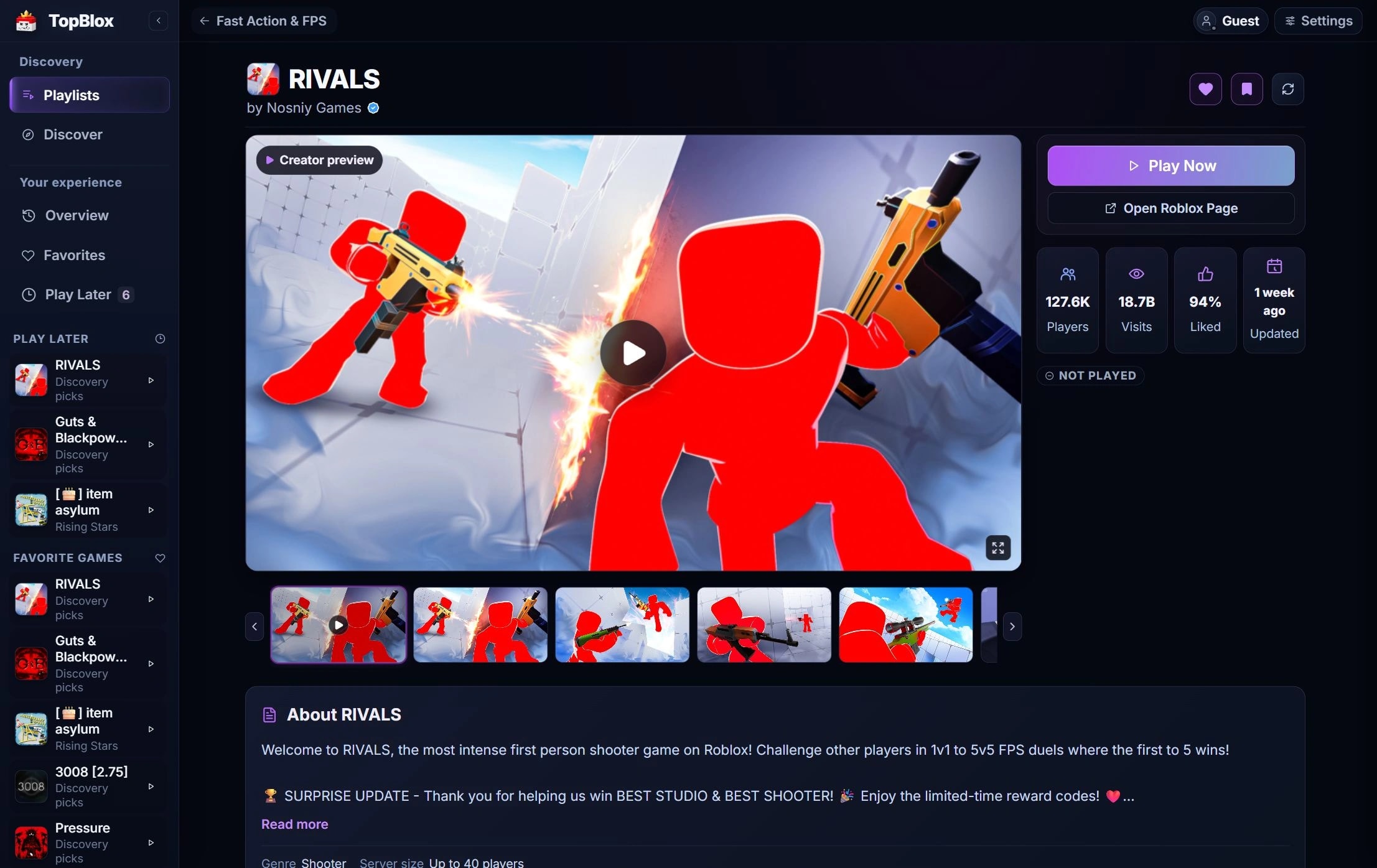
FROM A GOOD FIND TO PLAY NOW
Choose the launch behavior that works for your setup in TopBlox Settings.
Use Play Now to launch the selected experience through Roblox on your PC. TopBlox includes a browser fallback if a direct launch is unavailable.
Prefer to start in the browser? Switch your launch preference to the Roblox website page, then continue from there.
A LITTLE HELP BEFORE YOU HIT PLAY
Find collections by genre, mood, and play style. Sort and filter them to see something familiar or try an unplayed game.
Use Favorites for the games you love, and Play Later for something you want to try. Your saved state stays on this device.
TopBlox tracks time in identified catalog games while Roblox runs through Overwolf. Set when a tracked game is marked Played.
YOUR DESKTOP, YOUR WAY
Use TopBlox on your desktop or a second monitor. The app remembers its desktop monitor, so you can leave your companion beside Roblox when you have another screen.
A customizable show/hide shortcut gives you quick access while Roblox is running. Overlay availability depends on your Overwolf setup; TopBlox can help detect when the Roblox overlay is disabled.
TopBlox is a Windows companion for discovering and launching Roblox experiences. You still need the Roblox client and a compatible Overwolf installation.
Check the setup steps
YOUR ROBLOX DESKTOP COMPANION
Discover something new, save your favorites, and launch your next game in Roblox. Bring it all together with TopBlox.