
Desktop launcher guide
How to Launch Roblox Games Without a Browser on PC
Learn how to launch Roblox games without opening a web browser on Windows PC, using native app shortcuts or the 1-click TopBlox launcher.
To launch Roblox games without a browser on PC, install the standalone Roblox app from the Microsoft Store to browse and join directly from your taskbar, or use a desktop companion like TopBlox for Windows to launch your saved web-version experiences in 1 click without browser tab clutter.
Option 1: Use the standalone Microsoft Store Roblox app
Windows includes an official, standalone version of Roblox distributed through the Microsoft Store. This client operates as an all-in-one application containing both the game browser and the runtime player, eliminating the web browser entirely.
How to set up the standalone Windows app:
- Press the Windows Key, open the Microsoft Store, and search for Roblox.
- Click Install or Get to download the universal Windows package.
- Once installed, launch the app from your Start menu and pin it to your taskbar by right-clicking its icon and selecting Pin to taskbar.
- Sign in with your Roblox credentials. You can now browse the discover feed, join friends, and enter experiences directly within the app window.
Prerequisite and limitation: The Microsoft Store version runs as a Universal Windows Platform (UWP) application. Many competitive PC players avoid it because it can exhibit higher mouse input latency, lacks support for common third-party shader utilities, and handles keyboard inputs differently than the standard Win32 browser client.
Recommended desktop workflow
Option 2: 1-Click launch with the TopBlox Native Launcher
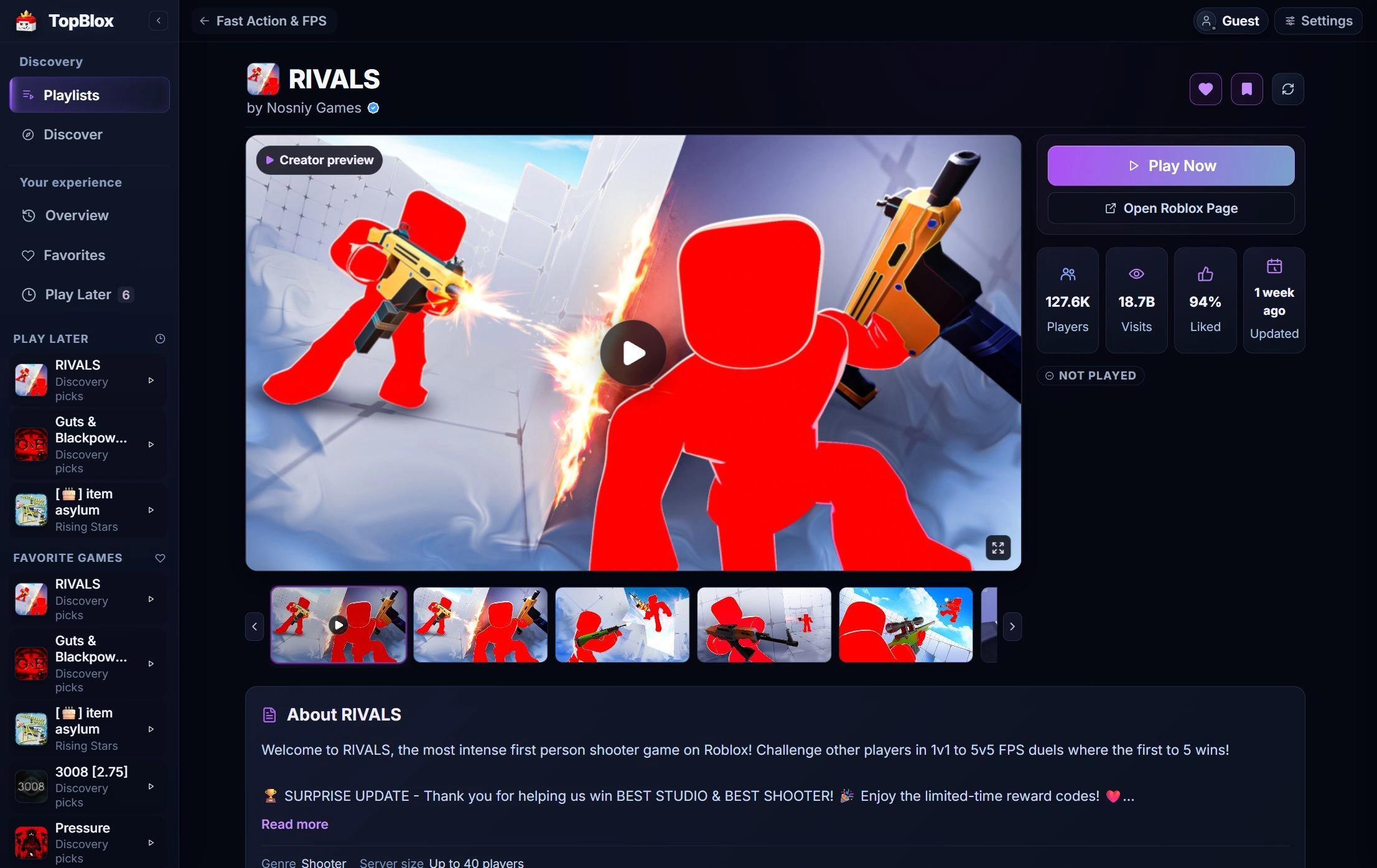
If you prefer the responsive performance of the standard Win32 Roblox client but hate navigating websites, browser dialogs, and RAM-hogging tabs, running TopBlox Native Launcher provides the cleanest PC setup. Built via Overwolf, TopBlox connects your saved library directly to the Roblox engine.
How to launch Roblox games directly from TopBlox:
- Open TopBlox on your Windows 10 or 11 PC.
- Select any saved game from your Favorites, Play Later list, or curated playlists like Hidden Gems.
- Click Play Now. TopBlox starts the official Roblox client immediately, bypassing your browser completely without confirmation popups.
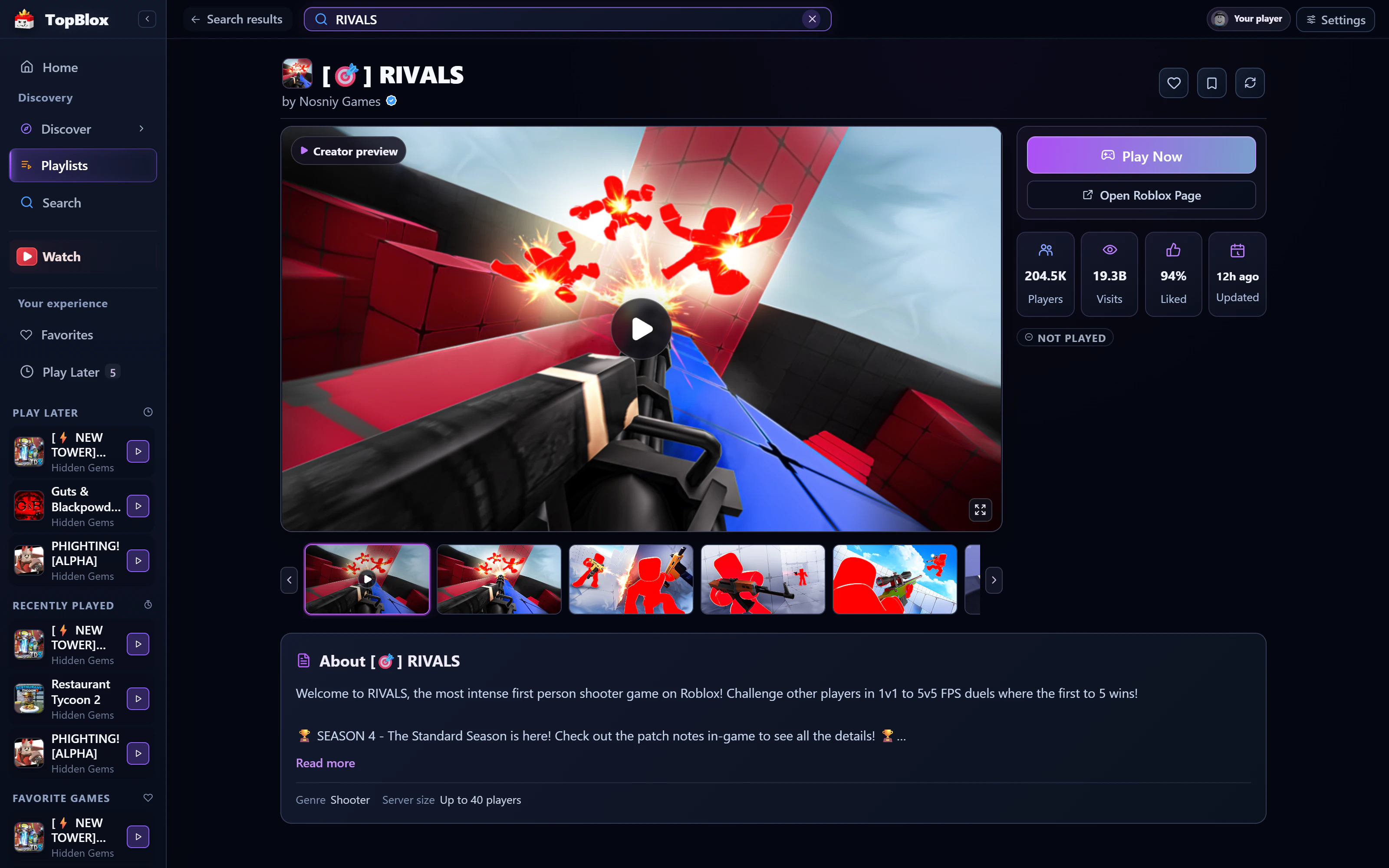
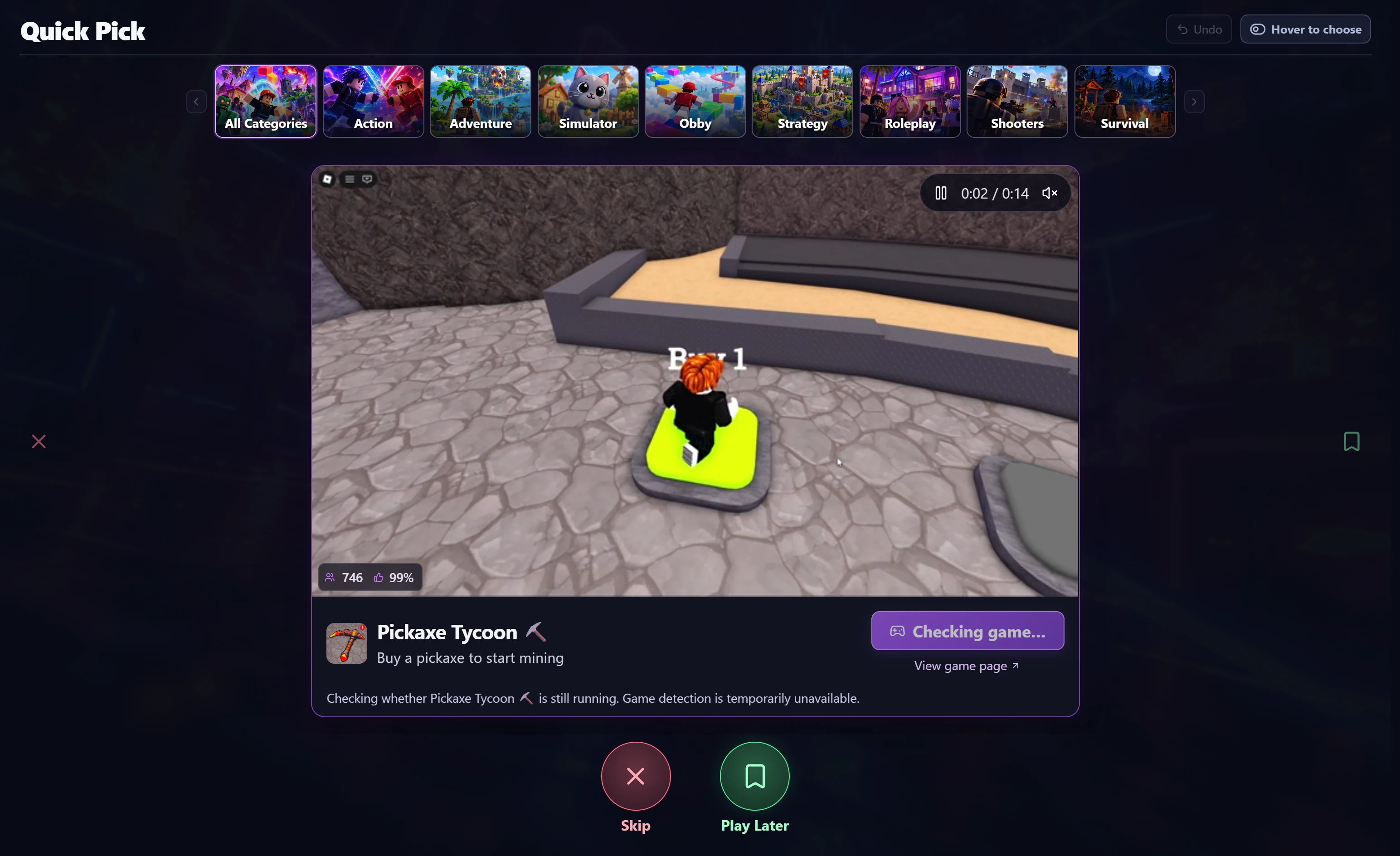
Verified convenience: You keep the high-frame-rate performance of the official desktop executable while saving hundreds of megabytes of RAM typically consumed by Chrome or Edge background processes.
Launcher help