
Buy seeds when the shop restocks
Seeds come from a shop that restocks over time. Buy the seeds you can afford, then head back to your own farm to plant them.
Grow a Garden is a Roblox farming game by The Garden Game. You buy seeds when the shop restocks, plant them on your plot and harvest the crops for profit, and the garden keeps growing while you are offline.
Free for Windows 10/11 · Launches through Roblox's own launch protocol · No changes to Roblox files
OFFICIAL IMAGES & THE TOPBLOX APP
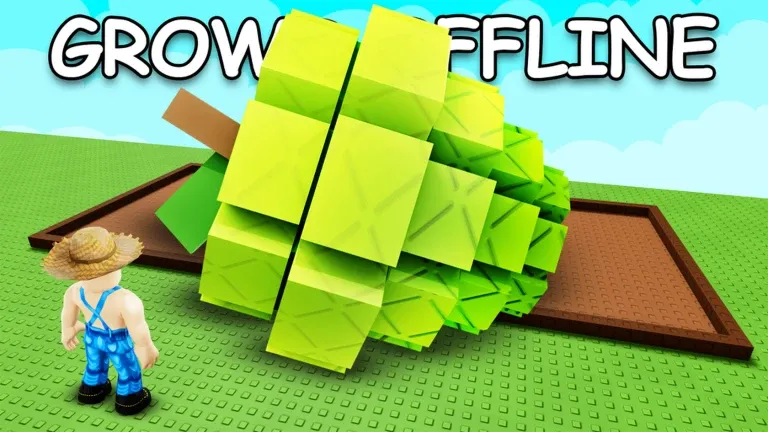
Images from the official Grow a Garden listing on Roblox, by The Garden Game, and the real Grow a Garden page in the TopBlox app (example data).
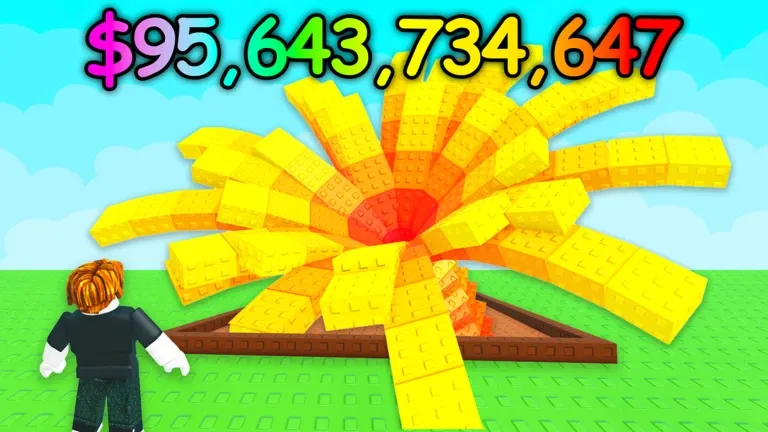
A fully grown flower crop under an in-game money total of $95,643,734,647.
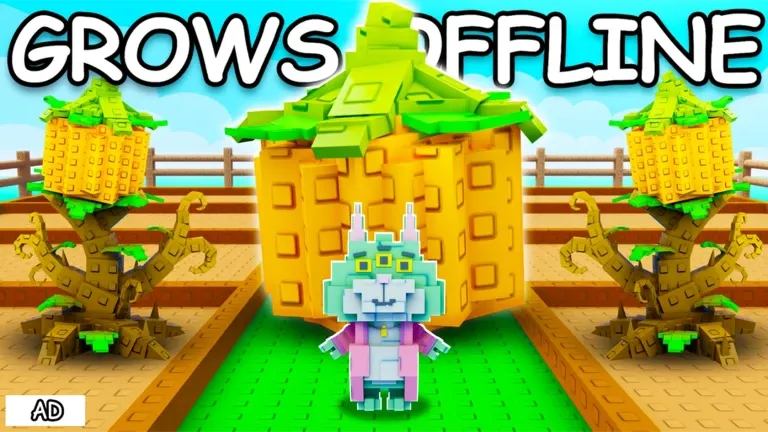
Fruit trees and an oversized crop in a fenced garden. The Grows Offline banner repeats the listing's promise that crops grow while you are away.
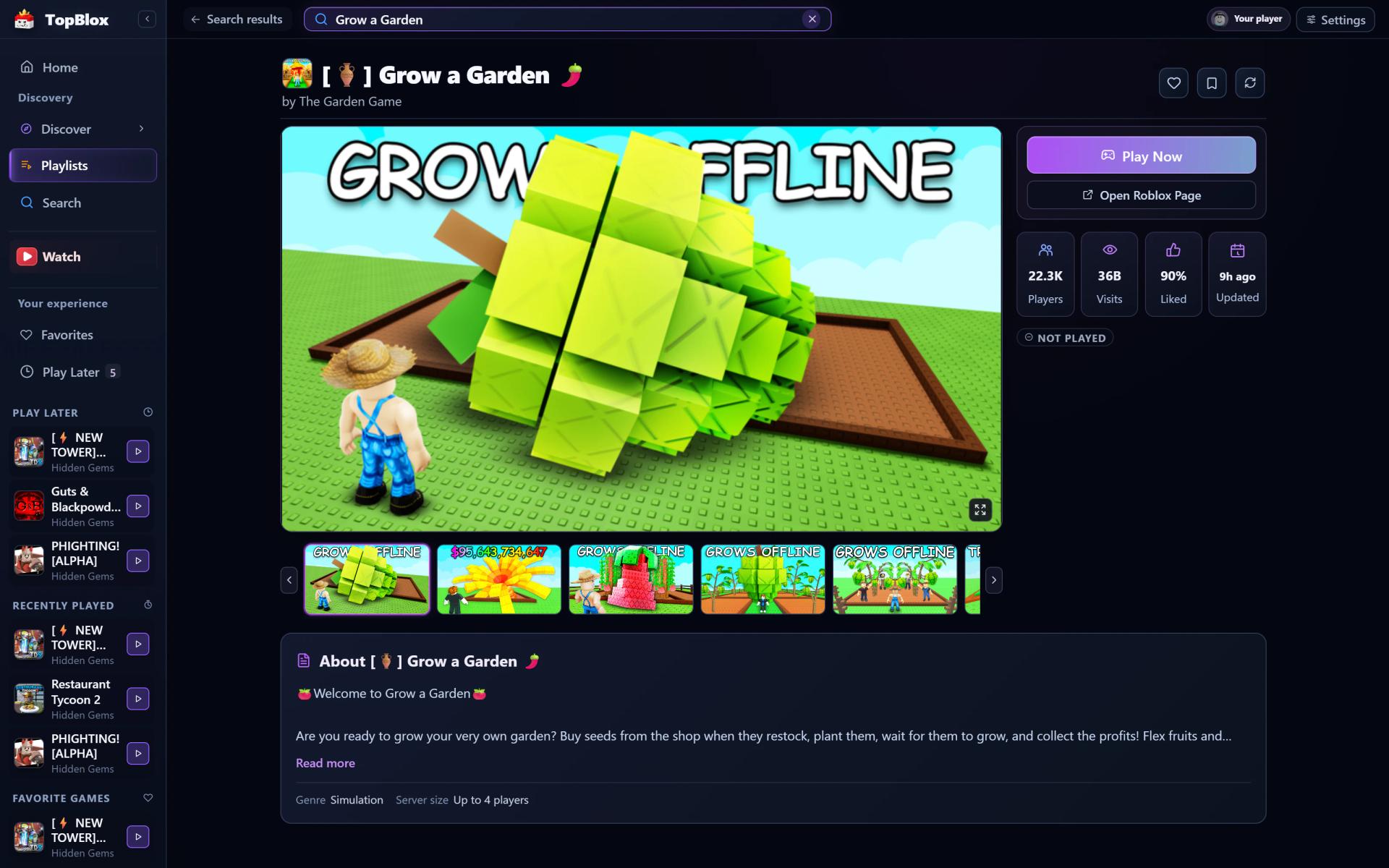
The Grow a Garden page in the TopBlox app shows players, visits and likes, with Play Now to launch the game. Actual TopBlox interface, example data.
HOW TO PLAY
The basics from the official Roblox listing, in our own words.
Seeds come from a shop that restocks over time. Buy the seeds you can afford, then head back to your own farm to plant them.
Equip a seed and click the brown soil plots on your farm to plant it. The crop grows by itself, and once it is fully grown you harvest it and collect the profit.
The creator says crops keep growing while you are offline, so short visits work. Servers hold up to 4 players, and you can show off your best fruits and finds to friends.
AT A GLANCE
Public Roblox data and our curation notes, checked November 18, 2026, to help you decide whether to play alone or bring friends.
| Curator Recommendation | A calm progression game built for short check-ins: plant, log off and harvest when you come back. |
|---|---|
| Heads Up & Warnings | Progress depends on seed restocks and waiting for crops, so it can feel slow if you want constant action. Servers hold up to 4 players. |
| Ideal Group Size | SoloDuoSquad |
| Session Pacing | Quick, Medium, Long sessions |
| Core Mechanics | GardeningHarvestingSeed RestocksOffline Growth |
| Creator / Studio | The Garden Game |
| Roblox Genre | Simulation / Tycoon |
| On Roblox Since | |
| Roblox Maturity Label | Minimal: Suitable for everyone. Checked . |
Useful answers
At our check on November 18, 2026 at 9:28 AM UTC, 14,599 people were playing Grow a Garden on Roblox. That was early morning in the US, and the count rises and falls through the day. The Playing now figure at the top of this page loads Roblox's current count when you open it, and Roblox shows the same number as Active on the game's page.
Its public Roblox numbers show a game that is still played and updated. At our November 18, 2026 check it had 14,599 players online during early-morning US hours, more than 36 billion visits, 11.5 million favorites and 90% likes from 10.5 million votes, and the creator had updated it on November 17, 2026.
It is a farming game. You buy seeds from a shop that restocks, plant them on your own plot, wait for the crops to grow, then harvest them and collect the profit. The creator's pitch is that your garden keeps growing while you are offline, and that you can show off your best fruits and finds to friends.
Equip the seed you want to plant, then click one of the brown plots on your farm. The plant starts growing on its own. When it is fully grown, harvest it.
Roblox gives Grow a Garden a Minimal maturity label with the content descriptor Suitable for everyone (checked November 18, 2026).
A Grow a Garden server holds up to 4 players, so a small group fits in one server. To join a friend who is already playing, use Join on their Roblox profile if their privacy settings allow it, or invite friends with the Invite Friends option in the Roblox in-game menu.
Yes, with TopBlox, a free Windows 10/11 app for Roblox. Its Grow a Garden page shows live players, visits and likes, Play Now opens the game through Roblox's official launch protocol without changing Roblox files, and TopBlox tracks how long you play. On a Mac or phone, play from the Roblox app instead.